
Plan every AI image direction in one workspace
Start with a prompt, compare visual routes, and move from reference boards to production-ready image concepts without stitching together extra tools.
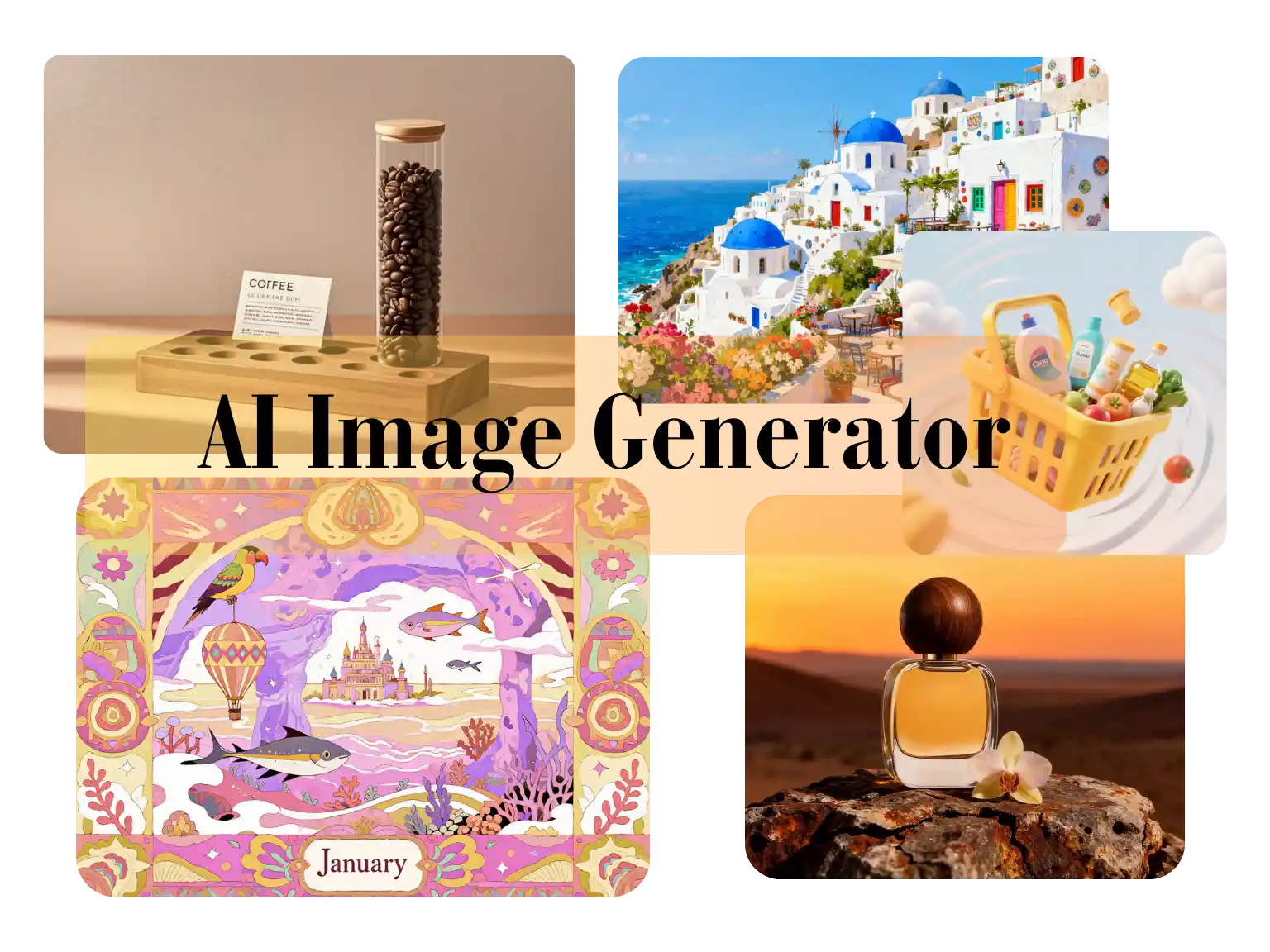
Use the Flash Omni image generator for flash omni text-to-image, image-to-image, and guided AI photo edits in a hosted browser workspace. Paid to run online.
Model
Quick Select
Cost 1 credits
Resolution
Aspect Ratio
Output Format
Allow the provider to call web search for current information when supported.
Please enter a prompt before generating.
A sample image stays here until you run your first generation.
Start with a prompt, compare visual routes, and move from reference boards to production-ready image concepts without stitching together extra tools.
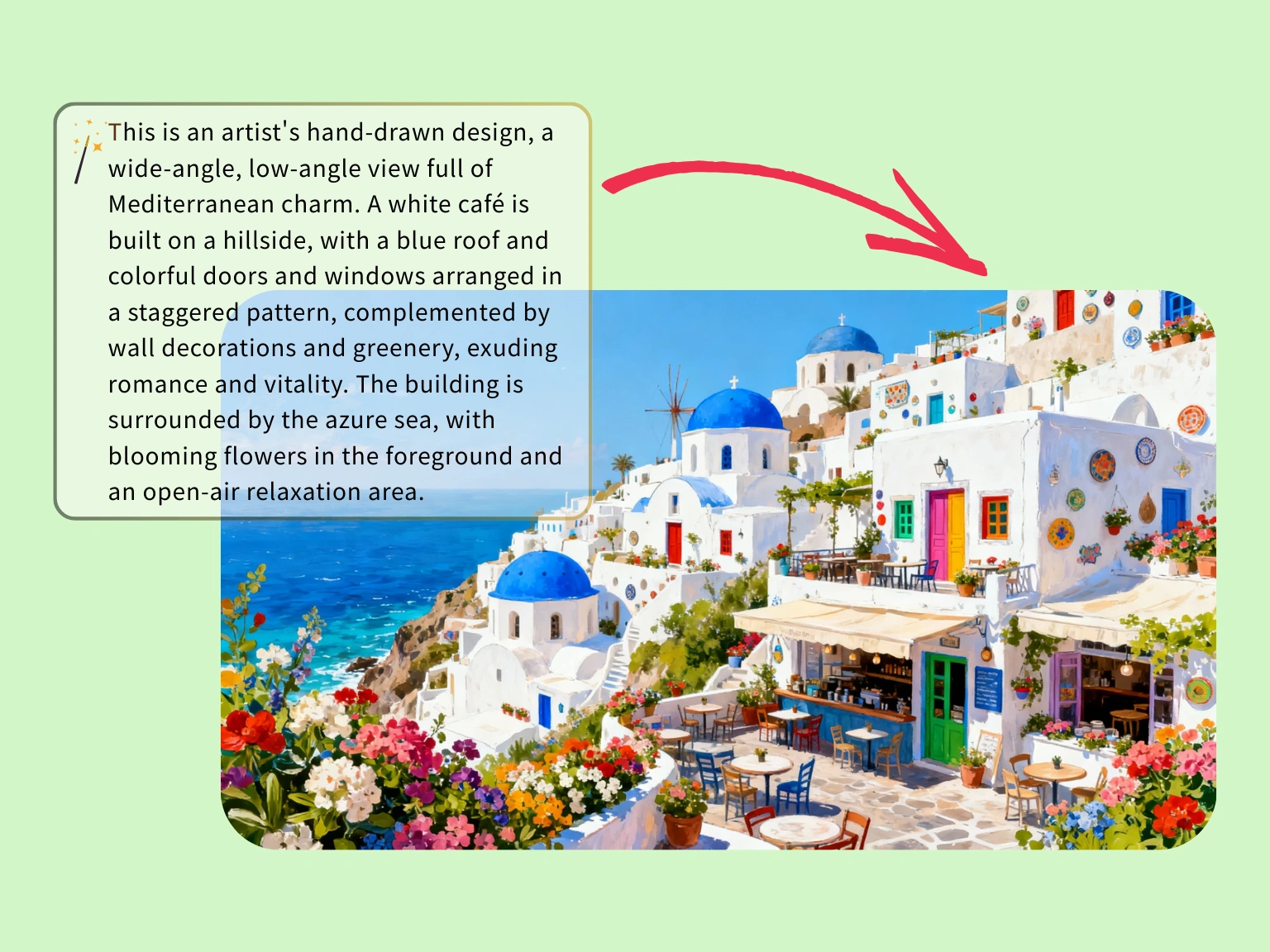
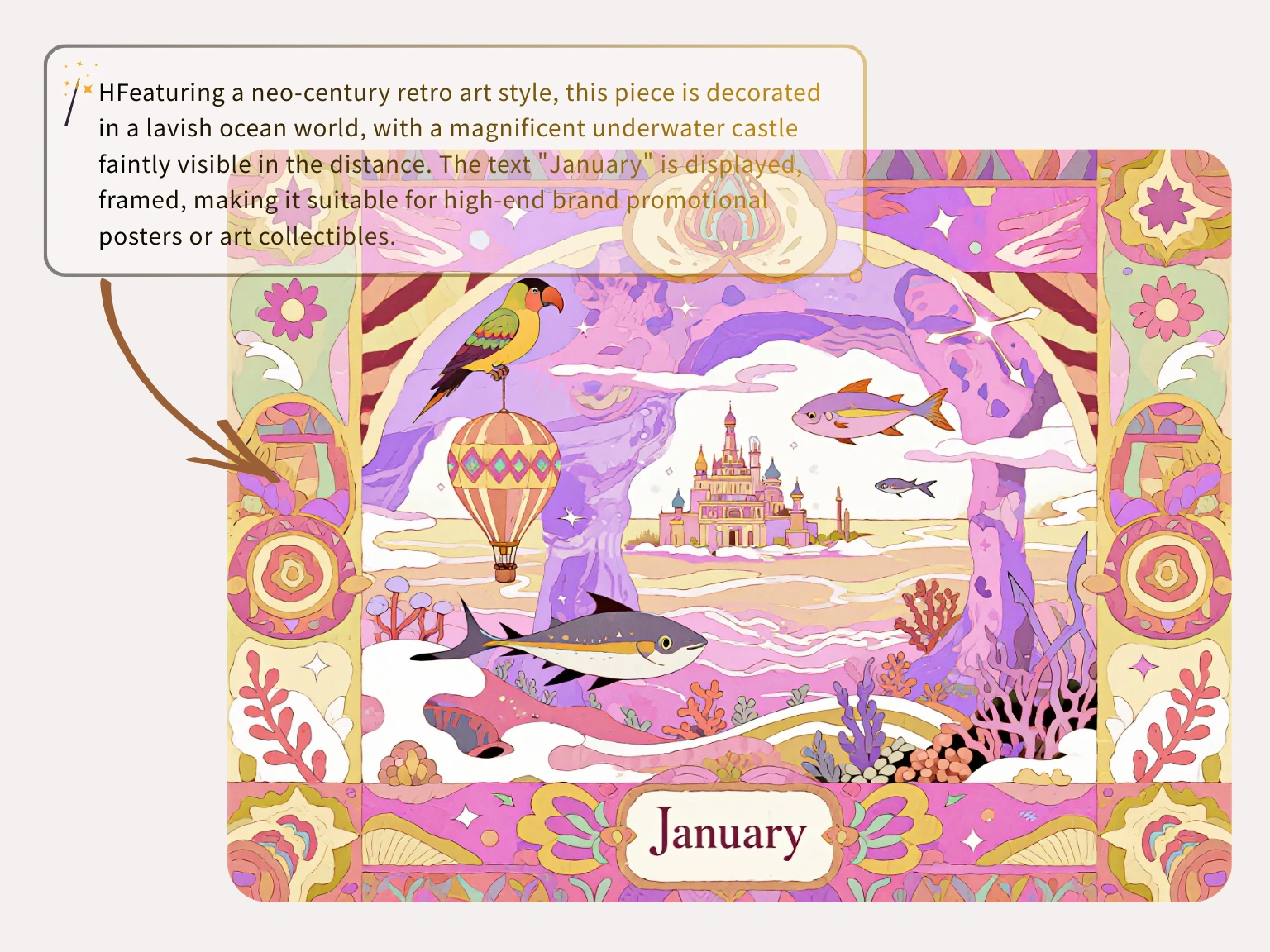
Use a tight prompt to map color, architecture, and atmosphere before you invest in custom illustration work.
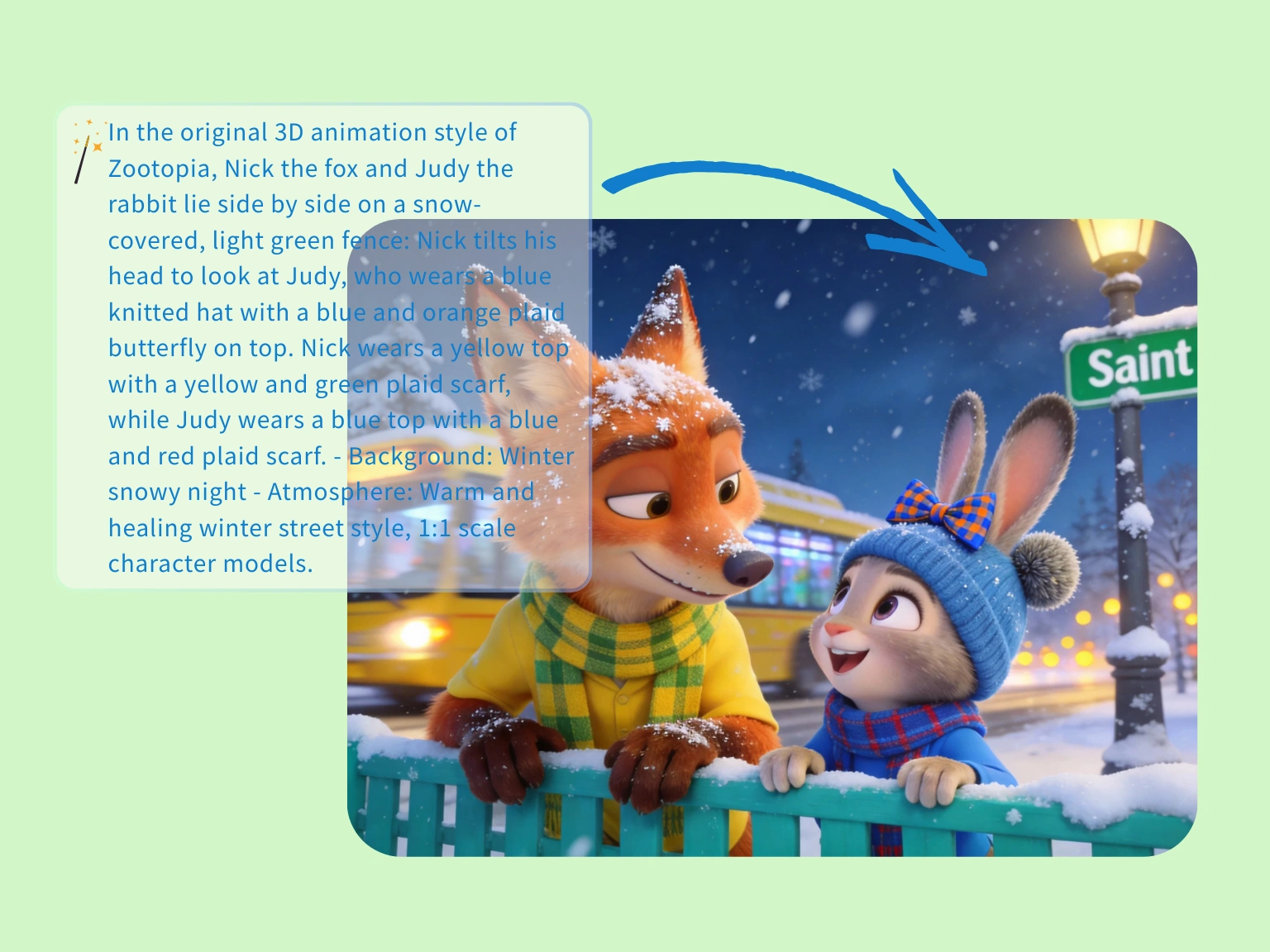
Use the generator to hold mood, spacing, and character chemistry when you need a playful narrative image fast.
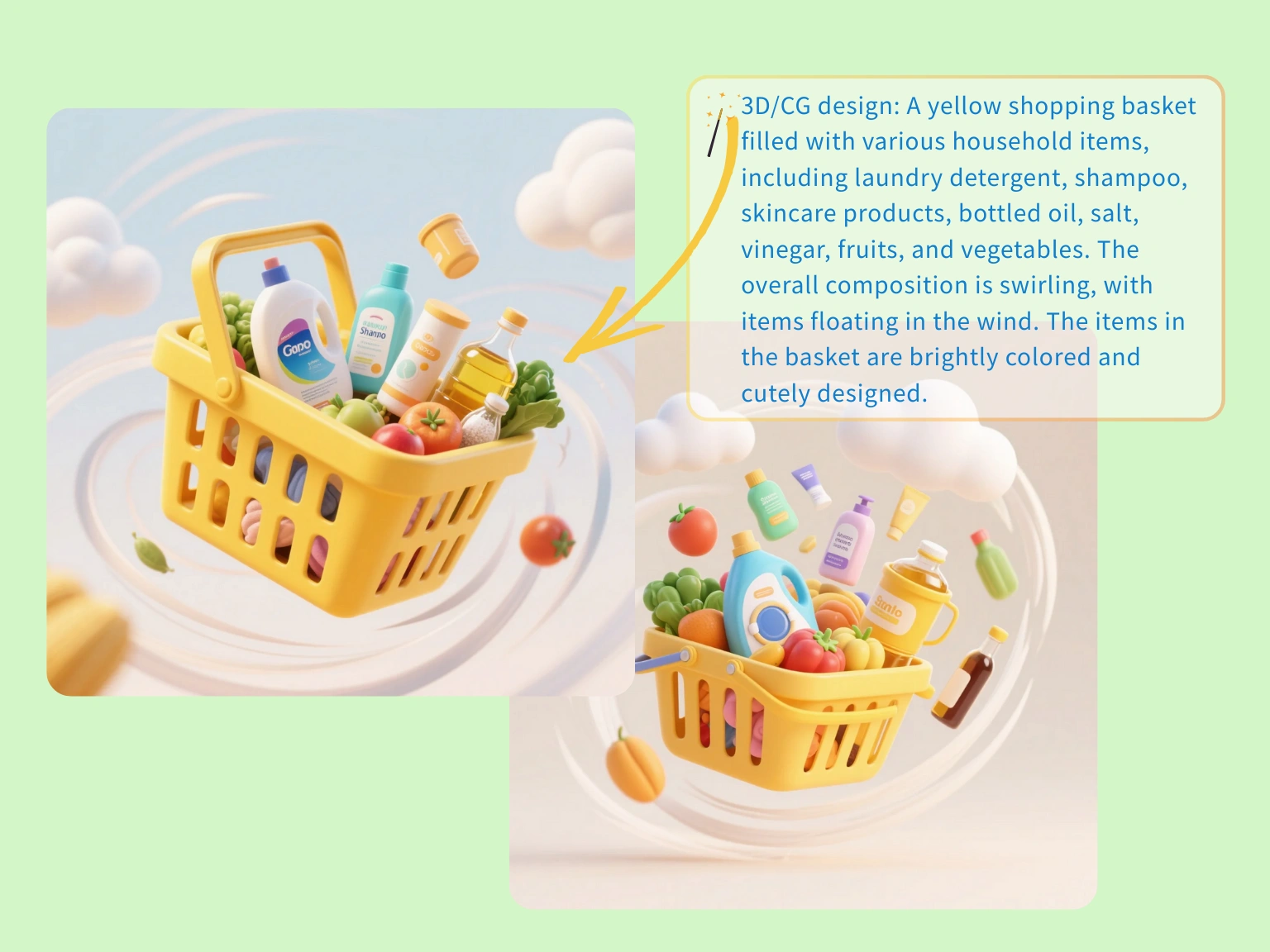
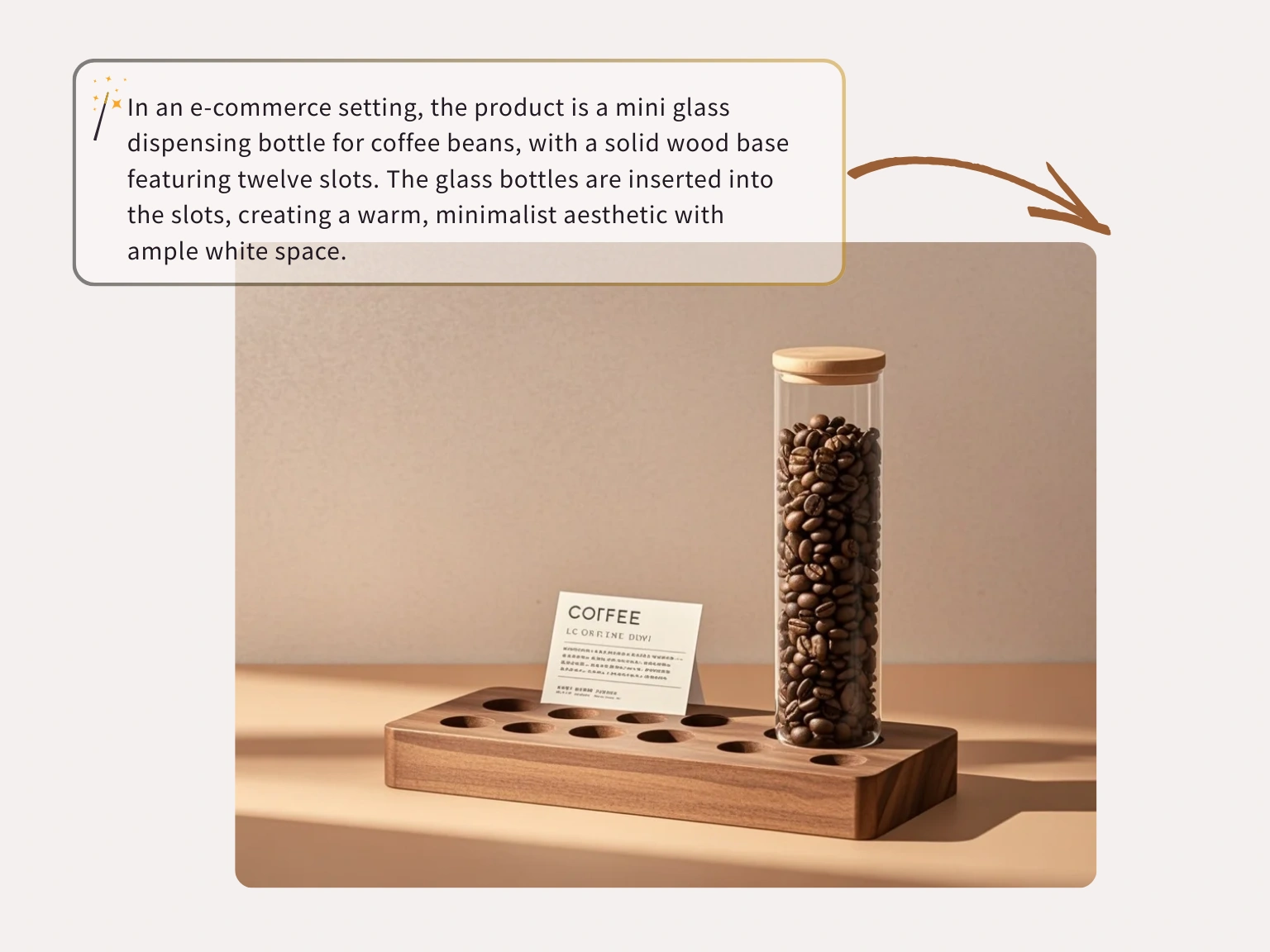
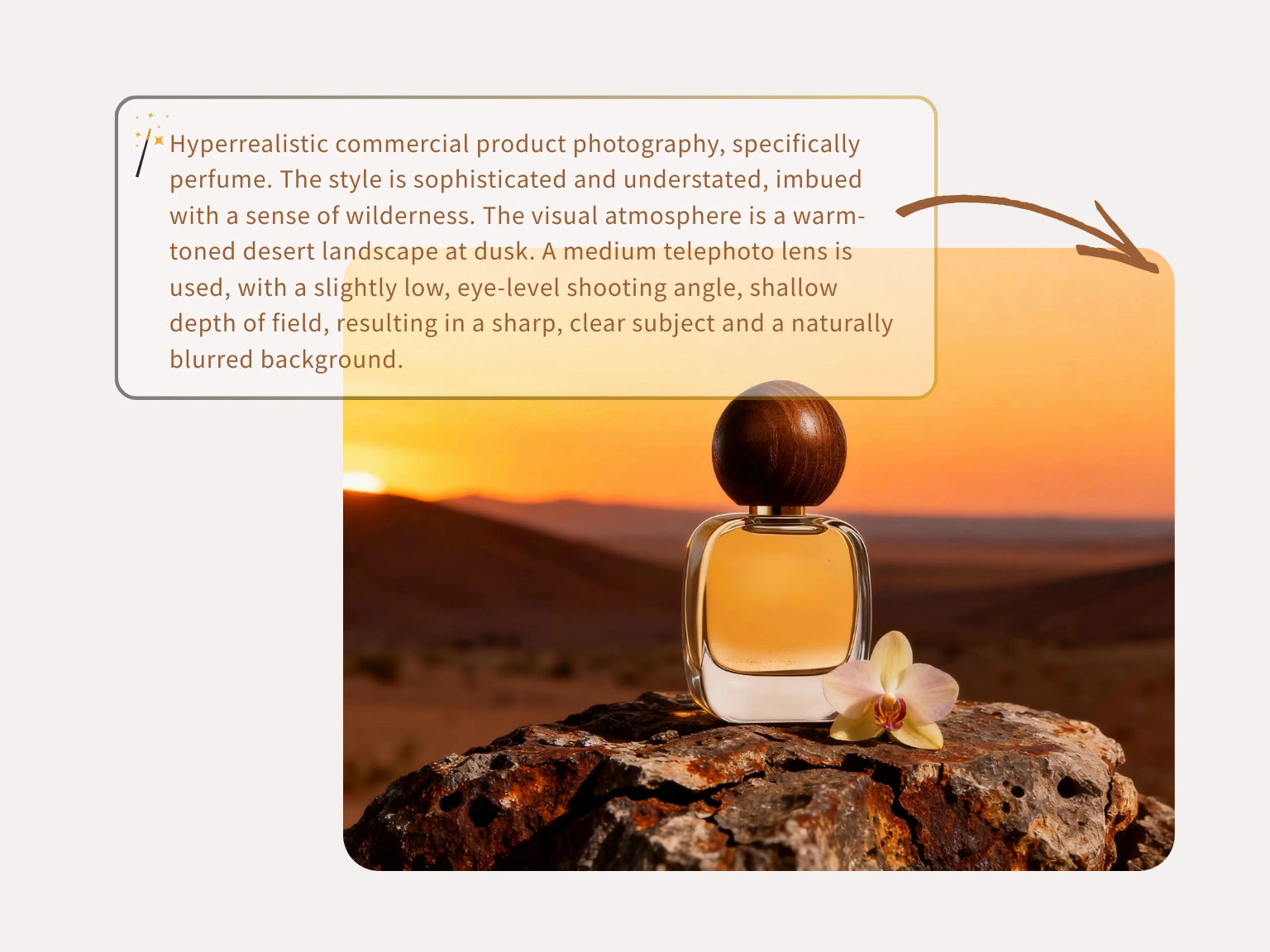
Build packaged lifestyle concepts with props and motion cues so merchandising, ads, and landing pages align earlier.
Halloween
Use an AI Halloween costume generator to preview a costume on your own selfie before buying or sewing. Learn prompts, photo tips, mistakes and short video steps.
Read guideHalloween
Learn how to use a Halloween AI photo editor to improve backgrounds, makeup, lighting, and group shots without replacing your original photo. Includes prompts and export tips.
Read guideEcommerce
A practical guide to using an AI product photo generator for ecommerce: what to preserve, scene recipes, lighting language, catalog consistency and a publish checklist.
Read guidePortraits
Learn how to use an AI headshot generator for LinkedIn, resumes and team pages. Upload tips, crop ratios, lighting setups, retouch checks and prompt recipes.
Read guideFAQ
Everything about the hosted Flash Omni image generator, AI model routing, GPT Image 2, Nano Banana Pro, credits, privacy, and image-to-image workflows.
An AI image generator turns text prompts, and sometimes a source image, into new images. Flash Omni keeps that workflow in one hosted workspace for text-to-image creation and image-to-image editing.
Browse previews free. Generation requires purchased credits or an existing account balance.
No. You can start with plain language. More specific prompts help, but the workspace is designed so beginners can generate images without design software expertise.
One public workspace supports two modes: text-to-image for new concepts and image-to-image for guided edits from a source image.
Open the text-to-image tab, write a clear prompt, choose a model and output settings, then generate. Refine lighting, camera angle, subject details, and composition when you want a tighter result.
Yes. Use image-to-image when you have a source image or public direct image URL and want the prompt to guide edits, variations, or refinements from that reference.
The current AI model routing exposes a model picker with Nano Banana, Nano Banana 2, GPT Image 2, Nano Banana Pro, SeeDream 4.0, SeeDream 4.5, and SeeDream 5.0 Lite. Availability and credit cost can vary by model and resolution.
Most tasks are queued and refreshed automatically. Actual time depends on model load, resolution, provider queue health, and whether you are generating from text or refining a source image.
You can prompt for realism, anime, 3D art, product renders, editorial concepts, social visuals, packaging directions, and other visual styles supported by the selected model.
Current image routes expose 1K, 2K, and 4K output choices when supported by the selected model.
Commercial use depends on your plan, the selected model terms, your prompt or reference rights, and local law. For business use, review the terms before publishing or selling outputs.
Prompts and uploaded references are processed for the generation task and sent only to the services needed to produce results. Private creations are not turned into public gallery content by default.
Choose a credit pack for hosted generation. Existing account credits remain available until their original expiry. Refunds follow the published Refund Policy.