
AI Headshot Generator: A Practical Guide to Professional Portraits
Learn how to use an AI headshot generator for LinkedIn, resumes and team pages. Upload tips, crop ratios, lighting setups, retouch checks and prompt recipes.
Key takeaways
- Understand what makes a headshot different from a general portrait
- Choose and prepare the phone photo that gives the most reliable result
- Match background, wardrobe, lighting and crop to your industry and platform
- Use prompt recipes and a five-minute retouch checklist with honest limits
What Separates a Headshot from a Portrait
A portrait is an exploration of a person. A headshot is a tool with a job to do. The headshot has to work at small sizes, in a circular crop, next to a name and a job title, and it has to survive being seen for two seconds on a phone screen. That changes almost every decision: framing, expression, background contrast and how much of the body is included.
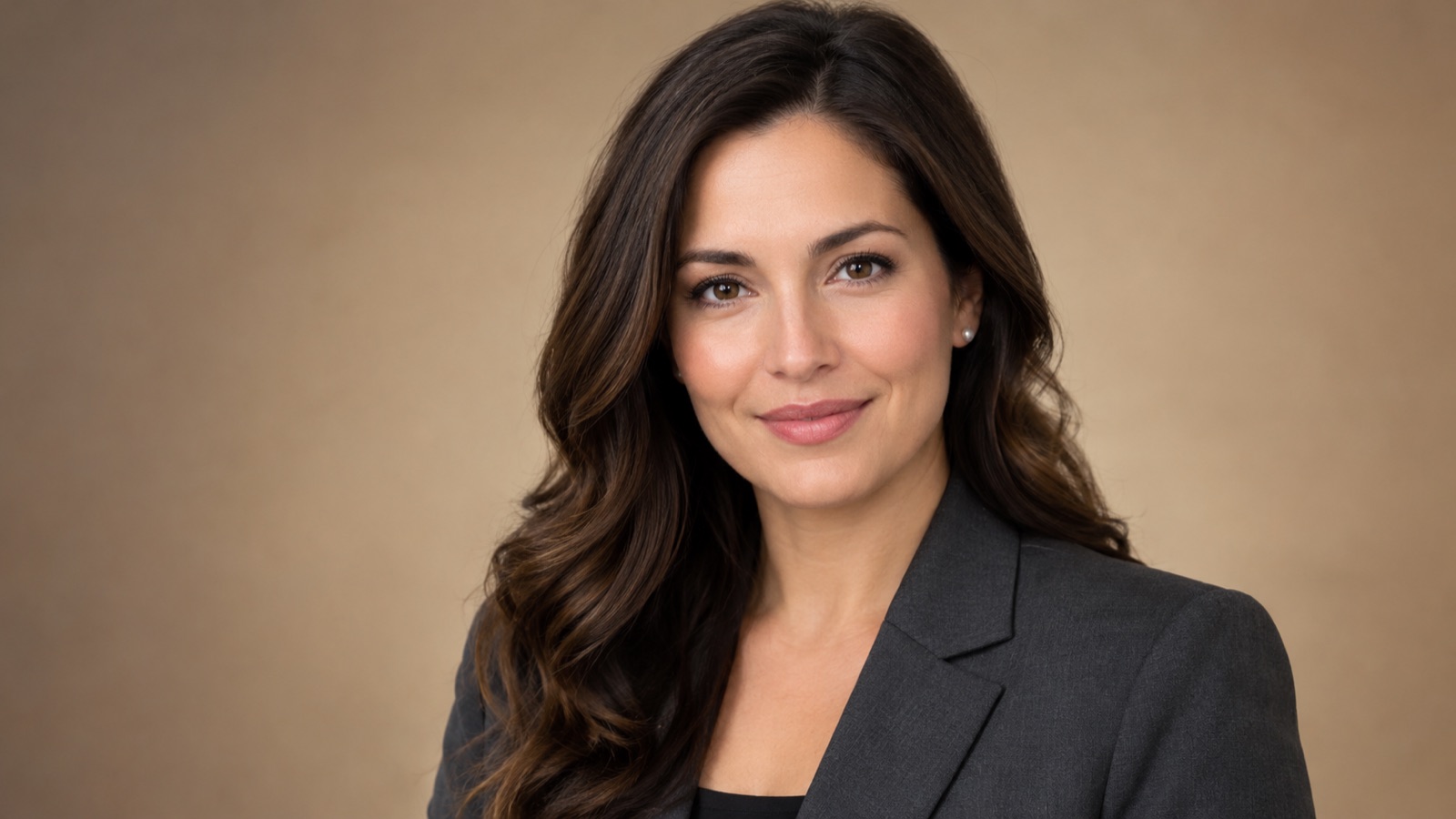
The practical difference is intent. A portrait can be moody, cropped at the chin, or shot from a dramatic angle. A headshot should show the face clearly, keep the eyes sharp, and avoid anything that competes with the person. Shoulders are usually included, the head sits near the top of the frame, and the expression reads as approachable rather than theatrical.
This is also where an AI headshot generator earns its place. It is not trying to invent a character. It takes a clear photo of a real person and rebuilds the surrounding conditions, such as background, lighting and framing, so the same face works in a professional context. The goal is recognition first, polish second.
- Face clearly visible, eyes sharp and unobstructed
- Head near the top of the frame with shoulders included
- Simple background with enough contrast to separate the subject
- Expression calm and approachable, not exaggerated
- Readable at thumbnail size before it is readable at full size
The Photo You Should Upload for the Best Result
The uploaded photo does most of the work. Choose a recent image where your face is evenly lit, in focus, and not partly hidden by hair, glasses glare or a hand. A plain phone photo taken near a window is usually enough. Avoid heavy beauty filters, strong shadows across the face, and anything where your features are already softened or reshaped.
Resolution matters less than clarity. A sharp 2 megapixel photo beats a blurry 12 megapixel one. Keep the camera at eye level, hold still, and take several frames so you can pick one where your expression is relaxed. If you wear glasses, check that the frames do not cast a hard shadow over your eyes.
It also helps to upload a photo that resembles the use case. If you need a blazer-and-neutral-background headshot, a photo in a plain t-shirt can still work, but the model has more to reconcile. Supplying two or three clear reference photos from similar angles gives an image-to-image workflow more to work with, though results still vary between runs.
- Recent photo, front-facing or a slight three-quarter turn
- Even light on the face, no hard shadow across the eyes
- Sharp focus, no motion blur, no heavy filter or smoothing
- Neutral expression or a natural closed-mouth smile
- Plain clothing and background where possible
Background and Wardrobe Directions by Industry
Backgrounds carry signals. A warm neutral studio backdrop reads as polished and general-purpose, which suits consultants, job seekers and most corporate profiles. A softly blurred office with window light reads as modern and collaborative, which fits product, design and technology roles. A darker, slightly moodier background can suit finance, law and executive positioning.
Wardrobe should follow the same logic. Charcoal, navy and mid-grey tailoring are safe because they photograph well and do not distract. Creative fields can carry more texture and colour, but the face should still be the brightest and most detailed area of the image. Avoid busy patterns near the collar and very bright white shirts without a jacket, which can blow out next to the face.
For team pages, consistency matters more than individual flair. Pick one background family and one wardrobe register, then apply it across the whole team. Mixed lighting temperatures and clashing backdrop colours are the most common reason a team page looks assembled rather than designed.
- Corporate and consulting: warm neutral backdrop, charcoal or navy tailoring
- Technology and product: blurred office window light, smart casual layers
- Finance and legal: darker backdrop, structured jacket, restrained palette
- Creative and media: textured backdrop, colour allowed but kept away from the face
- Team pages: one background family and one wardrobe register across everyone
Keeping Skin Texture and Facial Identity Natural
The most common failure in AI headshots is over-smoothing. Skin becomes plastic, pores disappear, and the person stops looking like themselves. When you write a prompt or adjust settings, ask explicitly for natural skin texture, visible pores, fine lines and realistic tonal variation. Those words do real work in image-to-image workflows.
Identity is a separate problem from texture. Generative models can drift on eye shape, nose width, jawline and hairline, especially when the source photo is at an angle or partly shadowed. Keep the source close to the target pose, avoid prompts that describe a different face, and review the output at full size rather than in a thumbnail.
Be honest about the limits. No hosted AI editor can promise an exact likeness, and small differences are normal. If the result reads as a close relative rather than you, that is a failed generation, not a styling choice. Regenerate, simplify the prompt, or supply a better source photo before accepting the image.
- Ask for natural skin texture, pores and fine lines explicitly
- Avoid words like flawless, airbrushed, smooth skin or beauty retouch
- Keep the source pose close to the intended output pose
- Compare eyes, nose, jawline and hairline against the original at full size
- Reject outputs that read as a different person, even if they look polished
LinkedIn, Resume and Team-Page Crop Ratios
LinkedIn profile photos are displayed as a circle, so the face needs to sit centred with a little headroom. A square source at roughly 400 by 400 pixels or larger is a sensible base. Keep the eyes around the upper third of the frame and leave enough shoulder visible that the circle crop does not cut awkwardly at the neck.
Resumes and speaker bios usually want a tighter, more formal crop. A 4:5 or 3:4 vertical frame works well in print and PDF layouts, while a 1:1 square is safer for web bios. Team pages often use consistent squares or soft-cornered rectangles, so generate at a generous size and crop down rather than generating at the final small size.
The practical rule is to generate once at high resolution and crop per platform. Ask the editor for a wider frame with space around the subject, then trim. Cropping a finished image is more controllable than asking a model to reframe, and it keeps the face consistent across every place your headshot appears.
- LinkedIn: square source, face centred, eyes in the upper third
- Resume and PDF: 4:5 or 3:4 vertical, tighter framing
- Team page: 1:1 square, consistent across all members
- Speaker bio: 1:1 or 4:5 with room for a caption
- Generate wide, crop later, keep one master file
Lighting Setups That Read as Professional
Professional lighting is mostly about direction and softness. A large soft source slightly above eye level and a little to one side gives shape to the face without hard shadows. This is the classic studio look and it is easy to describe: soft key light, gentle fill, subtle separation from the background.
Window light is the other reliable option. Side-facing window light with a bright interior behind the subject reads as modern and unforced, which suits remote teams and founders. The risk is uneven exposure, with one side of the face much darker than the other, so ask for gentle fill on the shadow side.
Conference speaker portraits often use a slightly more directional setup with a darker background and a rim light on the shoulder. That reads as staged and confident, which is appropriate for a stage context. Whatever the setup, keep catchlights in the eyes and avoid lighting that flattens the nose or erases the jawline.
- Soft key light above eye level and slightly off-axis
- Gentle fill so the shadow side keeps detail
- Subtle rim or background separation for darker setups
- Visible catchlights in both eyes
- Avoid on-camera flash, hard shadows and flat frontal light
A Five-Minute Retouch Checklist
Treat the generated image as a draft. Spend five minutes checking it before it goes anywhere public. Start with identity: does the face match the person, are the eyes symmetrical in the way they actually are, and is the hairline plausible. Then check skin, because smoothing is the most common artefact.
Next, look at the edges. Collars, shoulders, ears and hair against the background are where generation errors hide. Check that the jacket sits correctly, that no stray shapes float near the shoulder, and that the background does not smear into the hair. Then check the crop at the size it will actually be seen.
Finish with the boring details. Straighten the frame, confirm the background tone is consistent, and export at a sensible resolution. If you are preparing several team headshots, run the same checklist across all of them so the set looks coherent rather than individually tuned.
- Identity: face, eyes, hairline and jawline match the source
- Skin: texture present, no plastic smoothing or patchy tone
- Edges: collar, shoulders, ears and hair clean against background
- Crop: checked at thumbnail and at final display size
- Export: straight horizon, consistent tone, sensible resolution
When a Real Photographer Is Still the Better Choice
AI headshots are efficient for updating a profile, filling a team page, or producing a consistent speaker portrait on short notice. They are less suitable when the image carries legal or editorial weight. Regulated professions, published author photos, press features and anything requiring a documented original are better served by a photographer who can supply a clean chain of custody.
There are also practical limits. Unusual lighting needs, very specific brand art direction, group shots, and poses that involve hands or props are all harder for generative workflows. If your company has a brand photography guideline with exact backdrop colours and lens choices, a photographer will match it more reliably.
Finally, consider what the photo is for. If you need to look like yourself on a good day, an AI headshot generator is a reasonable tool. If you need a photograph that is verifiably a photograph, book the studio. Being clear about which one you need saves time and avoids awkward conversations later.
- Use AI for profile updates, team pages and quick speaker bios
- Use a photographer for press, legal, regulated or archival use
- Book a studio when brand guidelines specify exact setups
- Avoid generative workflows for group shots and complex props
- Keep the original phone photo on file as your reference
Keep exploring
Prompt recipes
Prompt recipes are kept in English because image and video models follow English instructions most reliably. The rest of the guide is in your language.
Warm Neutral Studio Headshot
Edit the supplied photo into a professional studio headshot. Keep the person's face, hairline, eye shape, nose and jawline exactly as in the source. Place them against a warm neutral backdrop in soft beige-grey, with a gentle gradient and no visible props. Use a large soft key light slightly above eye level and to one side, with subtle fill on the shadow side and clear catchlights in both eyes. Dress them in a charcoal blazer over a plain shirt. Preserve natural skin texture, visible pores and fine lines. Frame from mid-chest up, face centred, eyes in the upper third, with space around the shoulders for cropping. Photorealistic, sharp focus on the eyes, no beauty smoothing.
Modern Office Window Light
Transform the supplied photo into a modern office headshot lit by window light. Preserve the person's identity precisely: same facial structure, same hairline, same eye shape, same skin tone. Position them beside a large window with soft daylight coming from one side, and add gentle fill so the shadow side of the face keeps detail. Background is a softly blurred office interior with muted tones and no readable text or logos. Wardrobe is smart casual, a knit layer or unstructured jacket in navy or grey. Keep natural skin texture and realistic tonal variation. Frame from chest up with generous space around the subject. Photorealistic, natural colour, no airbrushing.
Conference Speaker Portrait
Create a conference speaker portrait from the supplied photo while keeping the person fully recognisable. Retain the exact face, hairline and facial proportions from the source. Use a slightly directional key light from the upper left, a soft fill, and a subtle rim light on the shoulder to separate them from a deep charcoal background. Expression is calm and confident, looking toward the camera. Wardrobe is a structured jacket in dark navy or charcoal. Preserve skin texture, pores and natural shadows under the eyes. Frame vertically from waist up with headroom for a speaker bio crop. Photorealistic, editorial quality, no smoothing, no invented accessories.
Frequently asked questions
Will an AI headshot generator keep me recognisable?
A good image-to-image workflow can keep you recognisable when the source photo is clear, front-facing and evenly lit. Results vary between runs and models, and no hosted editor can promise an exact likeness. Always compare the output against your original at full size and reject anything that reads as a different person.
What is the best photo to upload?
Use a recent, sharp photo with even light on the face and no heavy filters. Front-facing or a slight three-quarter turn works well. Avoid hard shadows across the eyes, motion blur and anything where your features are already smoothed or reshaped. A plain phone photo taken near a window is usually enough.
What crop ratio should I use for LinkedIn?
LinkedIn displays profile photos as a circle, so start from a square image of at least 400 by 400 pixels with the face centred and the eyes in the upper third. Leave enough shoulder visible that the circular crop does not cut awkwardly at the neck.
How do I stop the skin looking plastic?
Ask explicitly for natural skin texture, visible pores and fine lines, and avoid words like flawless, airbrushed or smooth skin. Review the result at full size rather than in a thumbnail, because smoothing is easy to miss at small sizes and is the most common artefact in AI headshots.
Can I use the result for a resume or team page?
Yes, for most everyday professional uses such as a resume, team page or speaker bio. For press features, regulated professions or anything requiring a documented original photograph, use a real photographer. Check your employer or client guidelines before publishing.
How much does it cost on Flash Omni?
Flash Omni is an independent hosted AI image editor and video generator at flashomni.org. Image generation costs credits shown before you confirm. A public one-time credit pack starts at USD 19.99 for 500 credits, and monthly plans start at USD 14.99 for 500 credits. Model providers and routing partners vary by model.
Turn this guide into a finished visual
Open the image editor or video workspace, paste your prompt, and see the result before you spend credits. Prices and model availability are shown before you confirm a run.
- Secure checkout
- Credits shown before you confirm
- Support from the product team
This guide is maintained by the Flash Omni editorial team. Product limits, model availability, and prices can change, so verify the current workspace before you buy credits.
Related guides
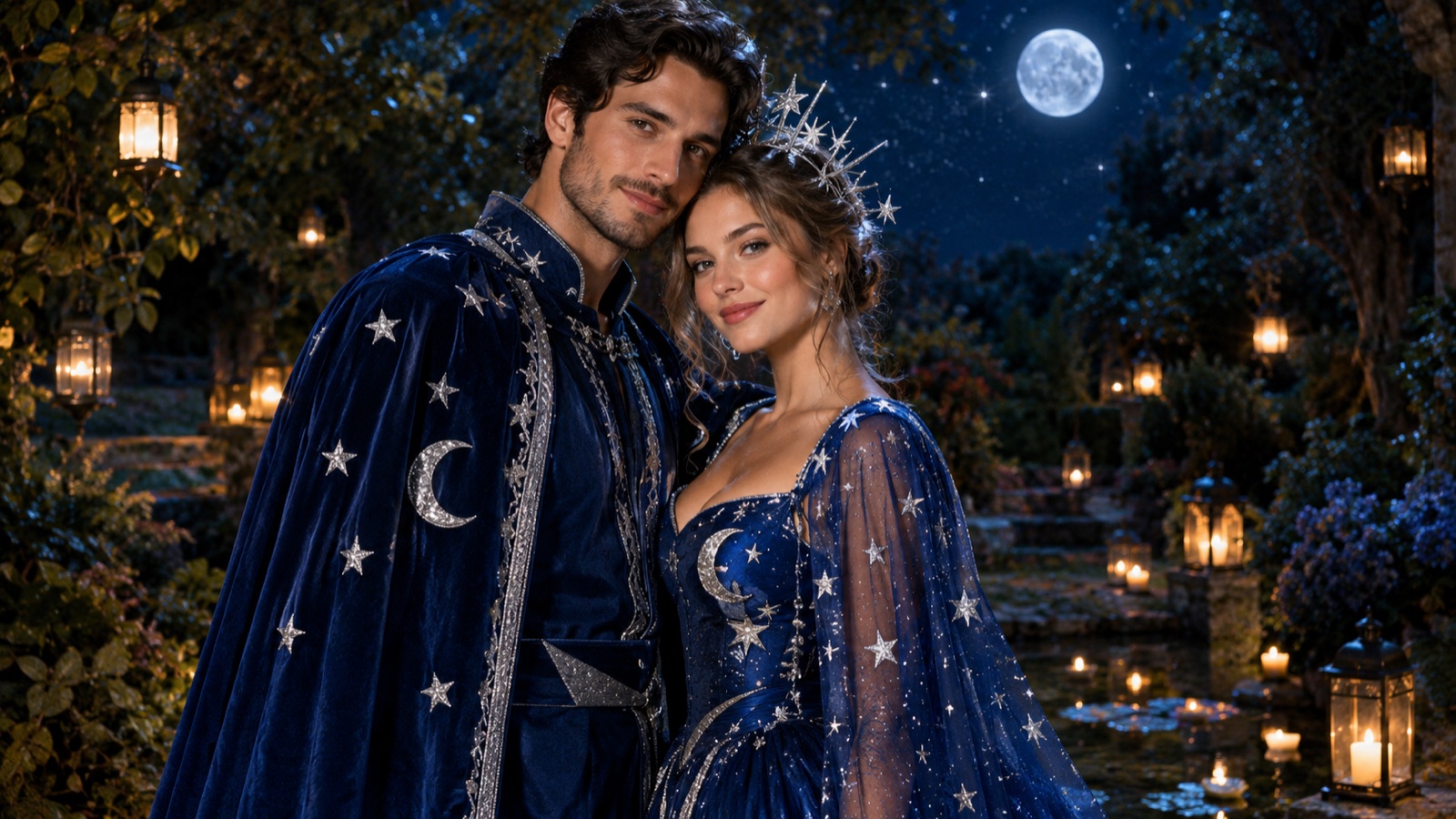
AI Couple Photo Generator: A Practical Guide to Two-Person Portraits
How to use an AI couple photo generator to merge two photos into one scene, keep both faces and proportions, match costumes, and avoid face swaps and extra people.
Read guide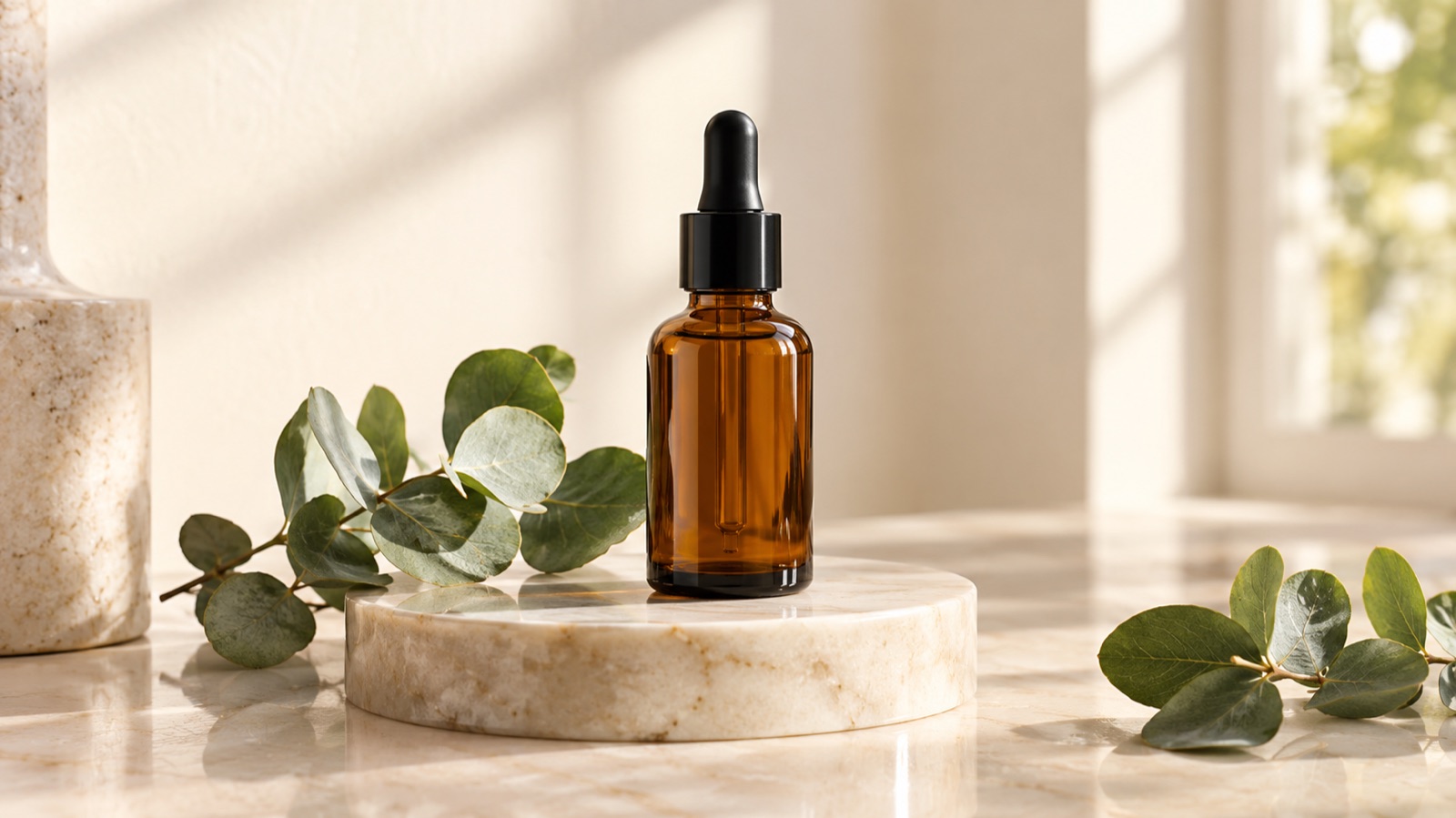
AI Product Photo Generator: A Practical Ecommerce Guide
A practical guide to using an AI product photo generator for ecommerce: what to preserve, scene recipes, lighting language, catalog consistency and a publish checklist.
Read guide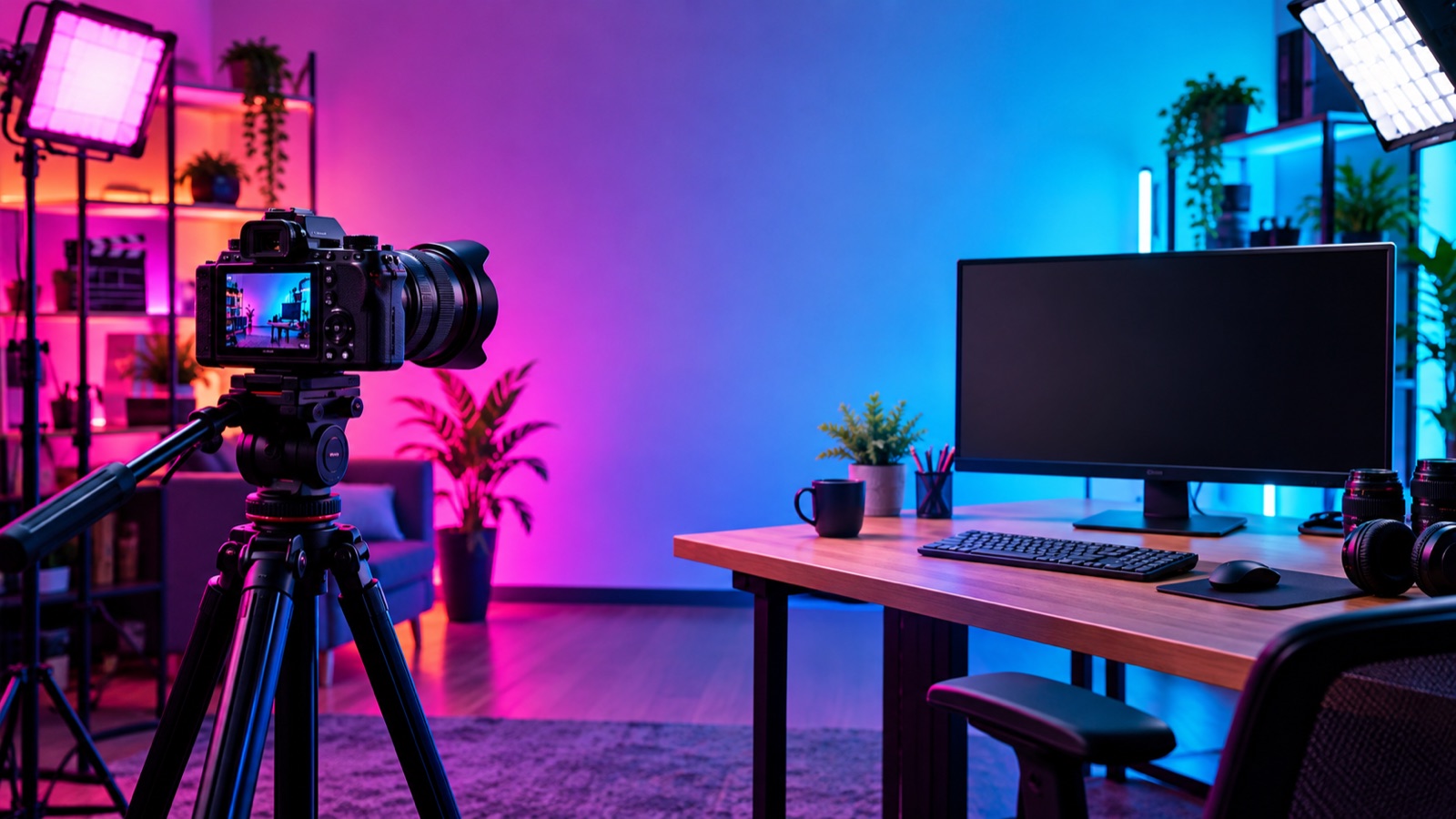
AI Thumbnail Maker: A Practical Guide for YouTubers and Creators
Learn how to use an AI thumbnail maker to generate clickable backgrounds, keep one face and one focal point, and leave safe space for titles. Includes prompt recipes.
Read guide