
AI Couple Photo Generator: A Practical Guide to Two-Person Portraits
How to use an AI couple photo generator to merge two photos into one scene, keep both faces and proportions, match costumes, and avoid face swaps and extra people.
Key takeaways
- Learn why merging two people is harder than editing one and what to check before you upload
- Use a two-photo checklist to protect faces, body proportions and hair detail
- Plan matching Halloween and party costumes without swapping faces
- Fix lighting, background and crop issues for print and social sharing
Why Two-Person Editing Is Harder Than One-Person Editing
Editing one person is mostly a local problem. The model has a single face, a single body and a single lighting direction to respect, so small changes stay contained. With two people, every decision affects both subjects at once. Scale, perspective, head height and shoulder angle all have to agree, and the model must keep two identities separate while blending them into one believable scene.
The second difficulty is identity drift. When an AI editor redraws a shared scene, it may average the two faces, soften one partner's features, or quietly reassign a jawline from one person to the other. This is common when the source photos have very different lighting, camera distance or head angles, because the model has less consistent information to anchor each face.
A third issue is composition pressure. Two bodies need more space, so the model may widen the frame, shrink one person, or invent a third figure to fill a gap. Understanding these failure modes helps you write prompts that constrain the scene instead of leaving it open.
- Two identities must stay separate while sharing one light source
- Mismatched camera distance makes body proportions harder to preserve
- Wide frames invite invented background people
- Face averaging is more likely when source photos differ in quality
The Two-Photo Checklist for a Clean Couple Portrait
Start with two photos that are technically similar. Ideally both are sharp, well lit and taken from roughly the same distance. A head-and-shoulders shot paired with a full-body shot forces the model to guess proportions, and guessing is where distortion appears. If you only have mismatched photos, expect to iterate rather than succeed on the first run.
Check the face area closely before uploading. Hair across the eyes, heavy shadow, sunglasses or a hand near the cheek all reduce the information available for identity. Neutral expressions work better than extreme ones because the editor has to rebuild the mouth and eyes in a new scene. Save the original files and keep them unedited.
Finally, decide what must stay fixed. Write down the details you will verify afterwards: face shape, hairline, skin tone, body build, glasses, tattoos and any jewellery. This short list turns a vague feeling that something is off into a specific correction you can request in the next prompt.
- Both faces sharp, evenly lit and unobstructed
- Similar camera distance and head angle where possible
- Neutral or mild expressions rather than extreme ones
- Plain backgrounds that are easy to replace
- A written list of identity details to verify after generation
Matching Costume Ideas for Halloween and Parties
Coordinated costumes work well because the theme gives the model clear visual rules. Skeleton and witch pairings are popular for Halloween: one partner in a clean bone-print outfit, the other in a dark hat and layered dress, both lit by the same warm lantern glow. The contrast in silhouette keeps both people readable in a single frame.
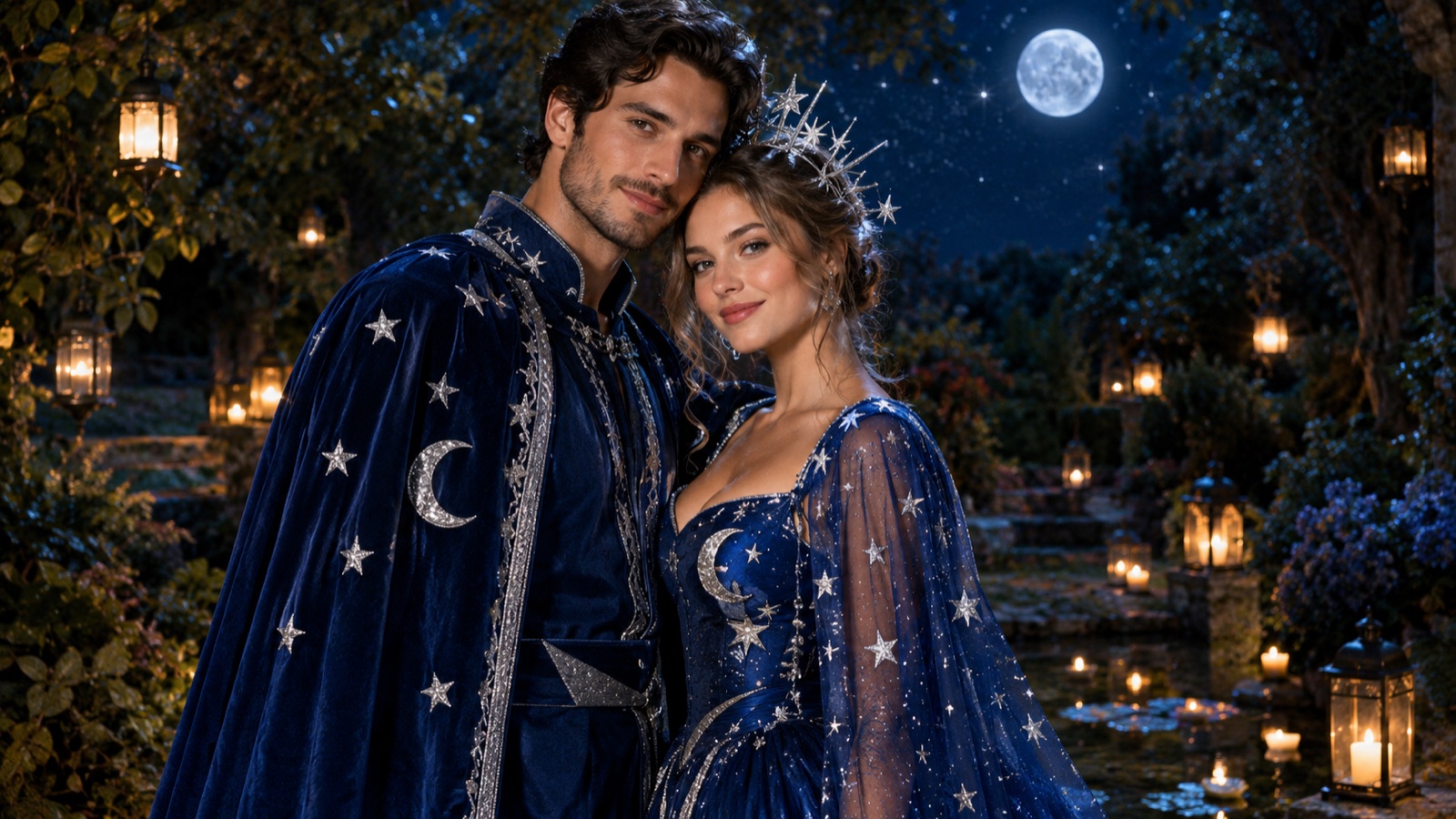
Celestial themes suit couples who want something softer. Think deep navy fabric, fine gold embroidery, small star motifs and a night garden setting. Because the palette is limited, the editor has fewer chances to drift, and both faces stay prominent rather than being lost in busy detail.
For parties, matching eras or roles are easier than matching exact outfits. A 1920s pair, a detective and informant, or two characters from the same film all give the model a shared visual language. Avoid costumes that hide the face entirely, such as full masks, if keeping both identities is the priority.
- Skeleton and witch: strong silhouette contrast, warm lantern light
- Celestial pair: navy and gold palette, night garden backdrop
- Era pairs: 1920s, 1970s or retro formalwear
- Role pairs: detective duo, explorer and cartographer
- Avoid full face masks if identity must stay visible
How to Prevent Face Swaps and Extra People
Face swaps usually happen when the prompt is vague about who wears what. If you write a costume description without assigning it, the model may place the hat on the wrong partner or blend features. Name each person by position, for example the person on the left and the person on the right, and attach clothing, hair and accessories to those positions explicitly.
Extra people appear when the frame is described as crowded or when the scene has open space the model wants to fill. Keep the composition tight, state that there are exactly two people, and describe the background as empty of figures. Negative instructions help, but positive constraints help more: say what is behind the couple rather than only what should not be there.
If a swap still occurs, do not keep regenerating blindly. Change one variable at a time, such as the pose or the lighting direction, and keep the identity wording identical. Iterating with a fixed prompt structure makes it easier to see which change actually fixed the problem.
- Assign costume parts to left and right positions by name
- State clearly that the scene contains exactly two people
- Describe the background as empty of other figures
- Change one variable per iteration and keep identity wording fixed
Lighting and Background Continuity
Two photos taken in different light will fight each other. One partner lit by window daylight and the other by indoor tungsten creates a colour clash the editor must resolve, and it often resolves it by shifting skin tone. Choose a target light for the final scene, such as soft overcast daylight or warm evening lanterns, and state it once in the prompt.
Background continuity matters as much as light. If one person was shot against a brick wall and the other against a plain studio backdrop, the merged scene needs a single described environment. Give the model a specific place with depth: a garden path, a stone archway, a beach at dusk. Specific places produce more stable results than generic studio settings.
Watch the contact points. Hands, shoulders and hair where the two figures meet are where blending errors show first. Check shadows under the chin and along the arm nearest the other person, because mismatched shadow direction is the clearest sign that two photos were combined.
- Pick one target light direction and colour temperature
- Describe a single real environment with depth
- Check shadows at shoulders, hands and hair contact points
- Keep skin tone consistent across both faces
Anniversary, Engagement and Holiday Variations
Anniversary images usually benefit from restraint. A warm autumn engagement portrait with soft late-afternoon light, fallen leaves and simple knitwear reads as genuine rather than staged. Keep poses natural and close, and avoid heavy stylisation if the image is meant to be printed or given as a gift.
Engagement shoots can push further. You can place a couple in a location they have never visited, which is useful for long-distance partners planning a future trip. Holiday variations work similarly: winter market lights, a decorated doorway or a summer garden party. The theme should support the couple rather than compete with their faces.
For long-distance partners, the value is often simply being in one frame together. Keep the scene modest and the lighting soft, and resist adding elaborate props. A believable shared moment is more useful than a dramatic set piece, especially if one partner will see the result for the first time as a surprise.
- Anniversary: warm autumn light, knitwear, natural close pose
- Engagement: a meaningful location, soft directional daylight
- Holiday: winter market lights or a decorated doorway
- Long distance: simple scene, soft light, minimal props
Print and Social Crops for Couple Photos
Generate with the final use in mind. A square social crop and a tall print crop need different framing, so ask for a composition with breathing room above the heads and to the sides. Tight framing looks strong on a phone but loses heads when printed at standard photo sizes.
For print, request a wider aspect ratio and keep both faces away from the edges. Check resolution expectations before ordering, because AI output may need upscaling for large formats. For social, a square or vertical crop with the couple centred usually works, but leave space for captions if the platform overlays text.
Test the crop before you commit. View the image at the intended size and check that neither face is clipped and that the background still reads as one place. If the crop breaks the scene, regenerate at a wider ratio rather than stretching the existing file.
- Leave headroom and side margin for flexible cropping
- Use a wider ratio for print, square or vertical for social
- Check that faces stay clear of the crop edges
- Regenerate at a wider ratio instead of stretching
Consent and Sharing When One Partner Is Not Present
Combining two photos means using someone else's face, even if the intent is affectionate. Ask first. A partner may be comfortable with a private anniversary image and uncomfortable with it being posted publicly, and those are different permissions. Confirm both before you generate and again before you share.
Be careful with surprise gifts. If you plan to post the result, get consent before publishing rather than after. If the image is only for a private card or a framed print, say so clearly. Keep the original photos and the generated files in a place the other person can access or delete if they change their mind.
Finally, be honest about what the tool does. An AI couple photo is a composite, not a photograph of a real moment. Describing it that way avoids awkward questions and respects the difference between a creative keepsake and a record of an event.
- Ask before using a partner's photo, even privately
- Treat private use and public posting as separate permissions
- Get consent before publishing a surprise gift image
- Describe the result as a composite, not a real photograph
Keep exploring
Prompt recipes
Prompt recipes are kept in English because image and video models follow English instructions most reliably. The rest of the guide is in your language.
Celestial couple in a night garden
Use the two uploaded photos as identity references. Keep the face shape, hairline, skin tone and body proportions of the person on the left and the person on the right exactly as in their source photos. Place both in one scene: a night garden with a stone path, dark foliage and small hanging lanterns. Dress the left person in deep navy with fine gold embroidery and a short cape; dress the right person in a matching navy gown with star motifs. Soft warm lantern light from the upper left, cool moonlight fill. Exactly two people, no other figures. Medium wide shot with headroom.
Matching skeleton and witch costumes
Combine the two uploaded portraits into a single Halloween scene. Preserve both faces, hairlines and body proportions from the source images without swapping features. The person on the left wears a clean bone-print skeleton top and dark trousers; the person on the right wears a layered dark witch dress and a wide-brim hat tilted back so the face stays fully visible. Setting: a lantern-lit porch with carved pumpkins and dry leaves. Warm amber key light, soft shadow falloff. Exactly two people, empty background, three-quarter body framing, space above the hats.
Warm autumn engagement portrait
Merge the two uploaded photos into one natural autumn portrait. Keep each person's facial structure, skin tone, hair and build faithful to their own source photo. The couple stands close on a leaf-covered path in late-afternoon light, the left person in a cream knit sweater, the right person in a rust-coloured coat. Soft golden side light from the right, gentle shadows, blurred trees behind. Exactly two people, no additional figures. Waist-up framing with generous headroom and side margin for cropping.
Frequently asked questions
Can an AI couple photo generator keep both faces accurate?
It can preserve a good likeness when both source photos are sharp, evenly lit and taken from similar distances. Results are not exact copies, and features may soften slightly. Always check face shape, hairline and skin tone after generation, and iterate with a fixed identity description rather than regenerating randomly.
What should I upload for the cleanest result?
Upload two sharp photos with unobstructed faces, similar camera distance and neutral expressions. Plain backgrounds help. Avoid sunglasses, heavy shadow and hands near the face. Keep the original files unedited, and write a short list of identity details you will verify after the first generation.
How do I stop the AI from swapping our faces?
Assign clothing, hair and accessories to positions, such as the person on the left and the person on the right. State that the scene contains exactly two people. If a swap happens, change one variable at a time, such as pose or light direction, while keeping the identity wording identical.
Why do extra people appear in the background?
Wide or crowded scene descriptions give the model space to invent figures. Keep the composition tight, describe the background as empty of other figures, and name what is behind the couple, such as a stone wall or hedge, rather than only saying what should not appear.
Can I use this for a long-distance anniversary gift?
Yes, and simple scenes usually work best. Choose soft lighting, minimal props and a believable shared setting. Ask your partner before using their photo, and treat private use and public posting as separate permissions. Describe the final image as a composite rather than a real photograph.
What does it cost to generate couple images?
On Flash Omni, image generation costs credits shown before you confirm each job. A public one-time credit pack starts at USD 19.99 for 500 credits, and monthly plans start at USD 14.99 for 500 credits. Model providers and routing partners vary by model, so check the workspace before starting.
Turn this guide into a finished visual
Open the image editor or video workspace, paste your prompt, and see the result before you spend credits. Prices and model availability are shown before you confirm a run.
- Secure checkout
- Credits shown before you confirm
- Support from the product team
This guide is maintained by the Flash Omni editorial team. Product limits, model availability, and prices can change, so verify the current workspace before you buy credits.
Related guides
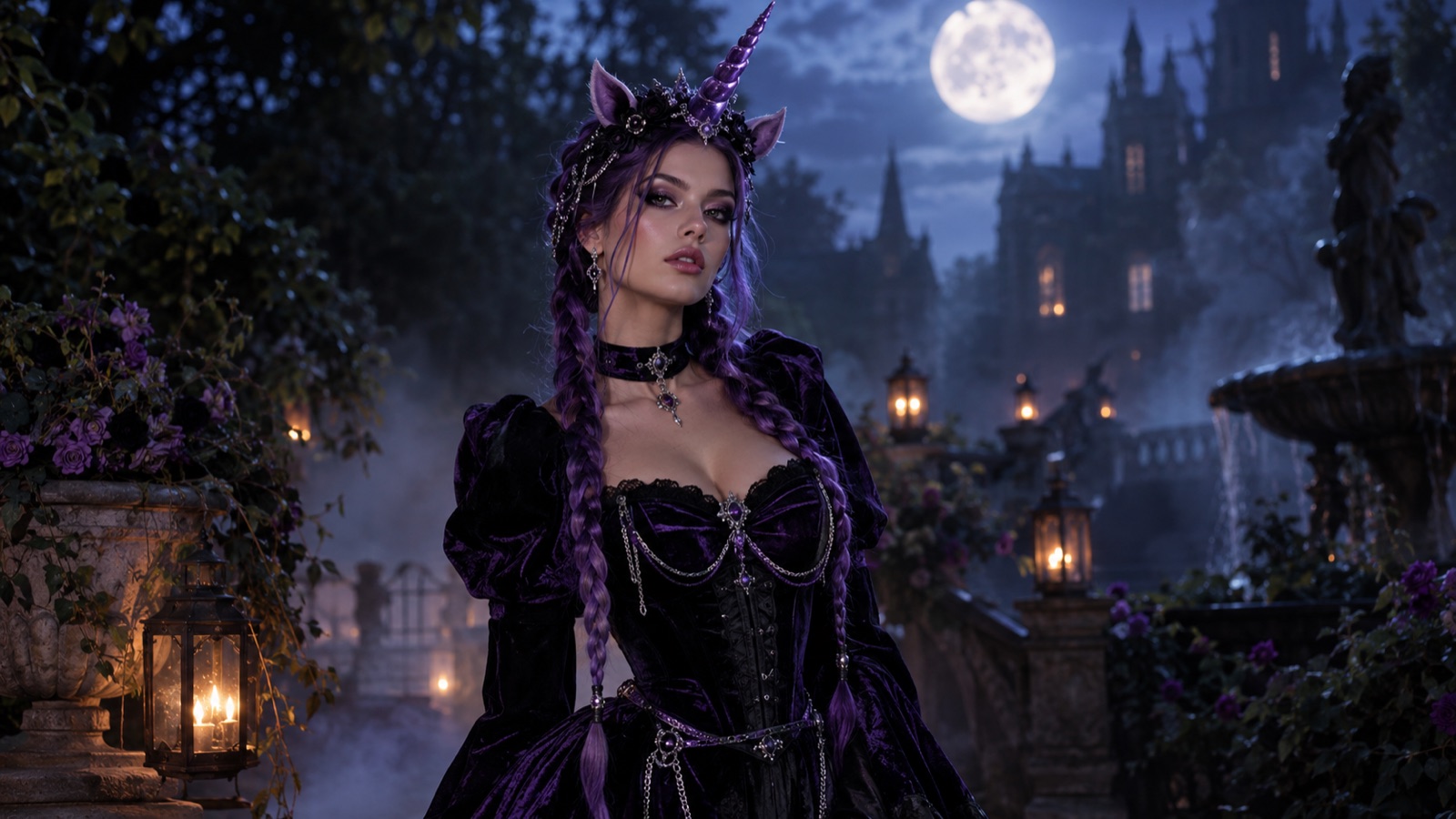
AI Halloween Costume Generator: Preview Your Costume on Your Own Photo Before You Buy
Use an AI Halloween costume generator to preview a costume on your own selfie before buying or sewing. Learn prompts, photo tips, mistakes and short video steps.
Read guide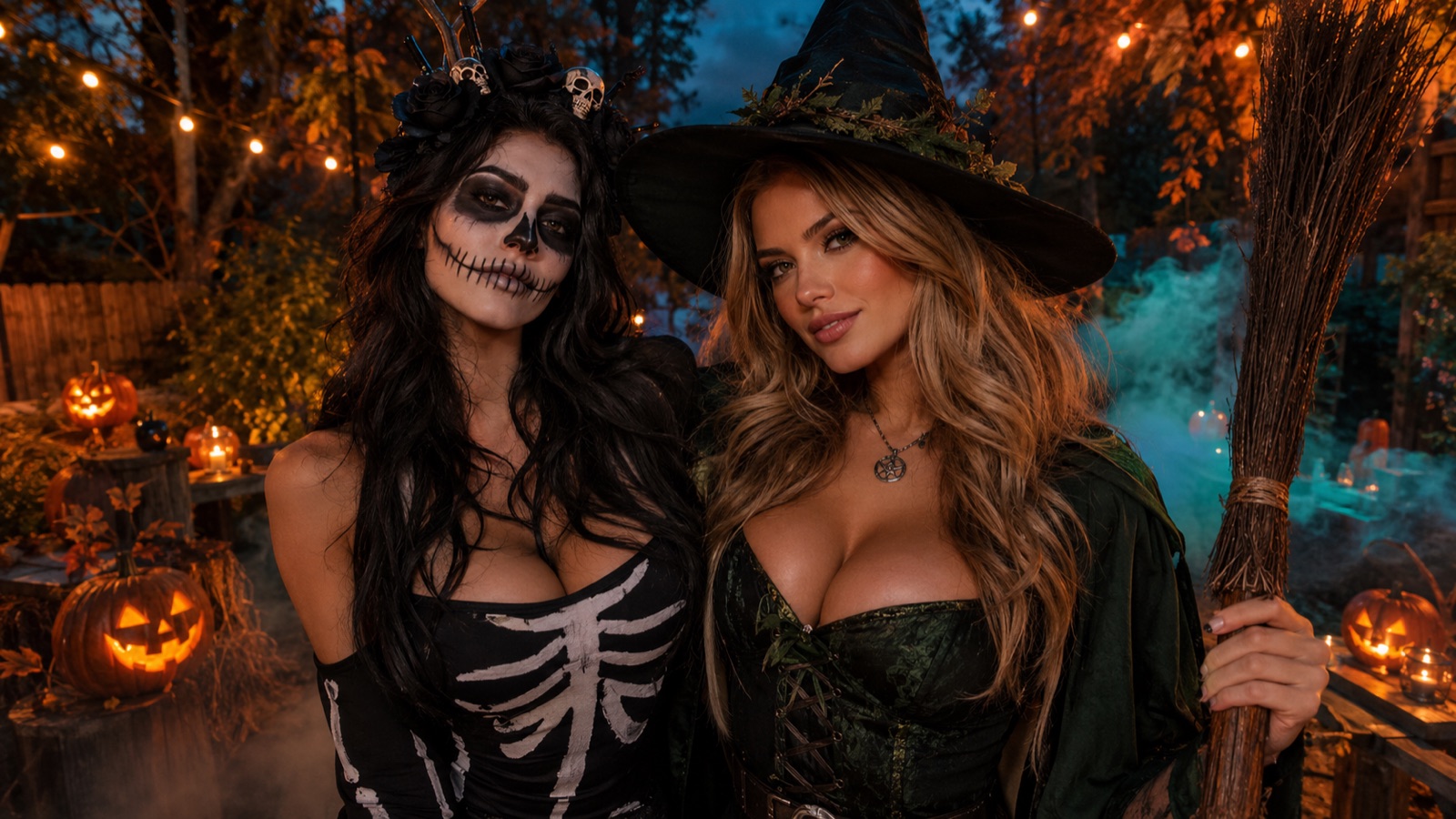
Halloween AI Photo Editor: A Practical Guide to Editing Existing Photos
Learn how to use a Halloween AI photo editor to improve backgrounds, makeup, lighting, and group shots without replacing your original photo. Includes prompts and export tips.
Read guide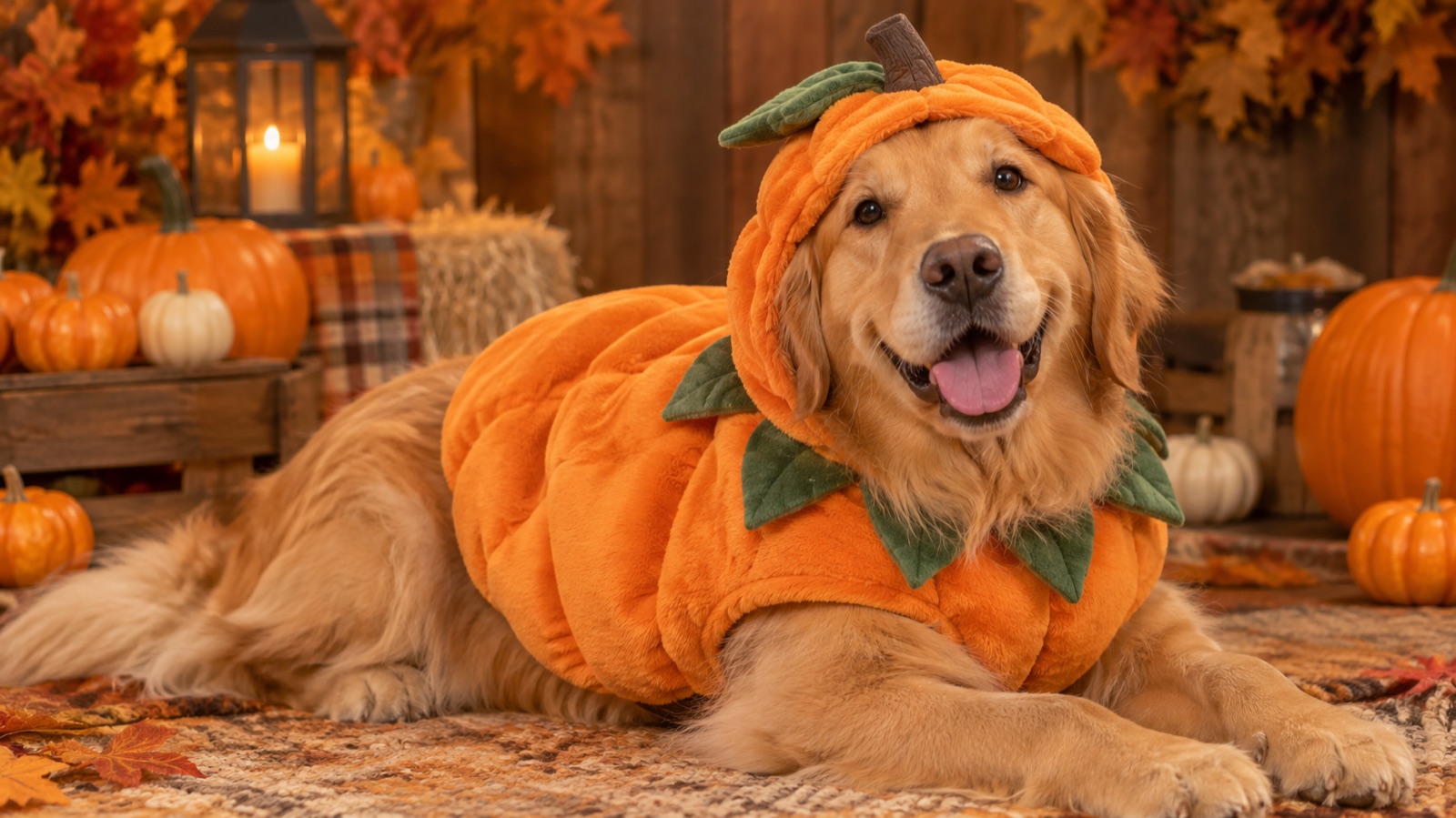
AI Pet Portrait Generator: A Practical Guide to Costume and Studio Portraits of Your Dog or Cat
Use an AI pet portrait generator to create costume and studio portraits of your dog or cat while keeping breed, markings and eye colour. Includes prompts and print tips.
Read guide